

Territory Management
Framework supports multi territory accounts, which is helpful if you manage more than one business location. Each territory has its own users, images, created designs and social media connections. This keeps everything organised and avoids mixing content between locations.
Switching territories
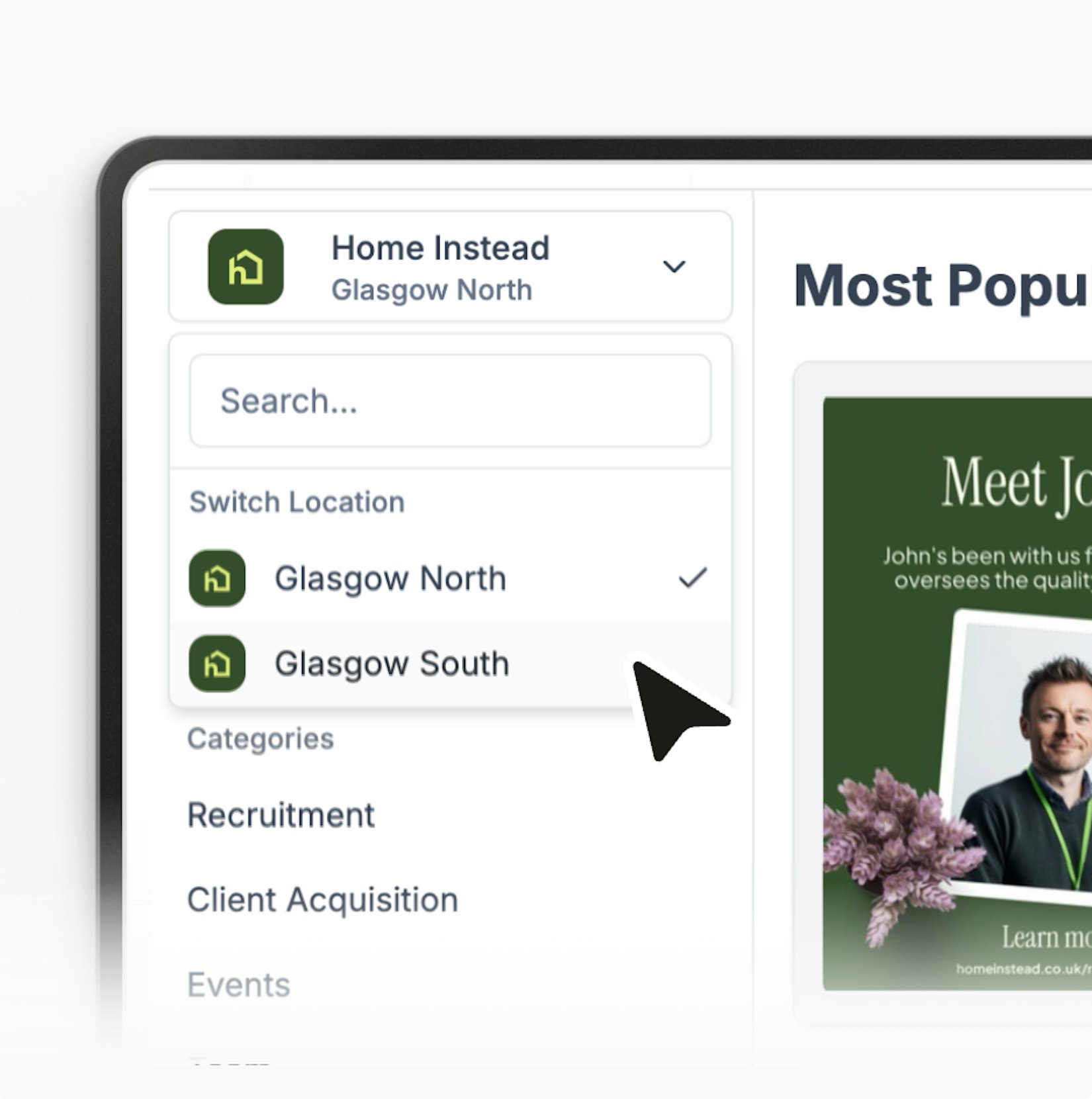
If you have more than one territory you can switch between them using the selector at the top of the sidebar.
Choose the territory you want to manage and Framework will show the templates, posts and assets specific to that location.
Why territories are separate
Keeping territories separate makes it easier to stay organised.
Teams know exactly which designs belong to which location and only see the content that applies to them.
Adding more territories
If you currently have a single territory but are expanding you can contact us at team@thegrowthalliance.com and we can help set up additional territories for you. There may be an additional cost for extra territories.
If you manage multiple locations this feature helps you keep everything tidy while still working within one Framework account.
Last updated today